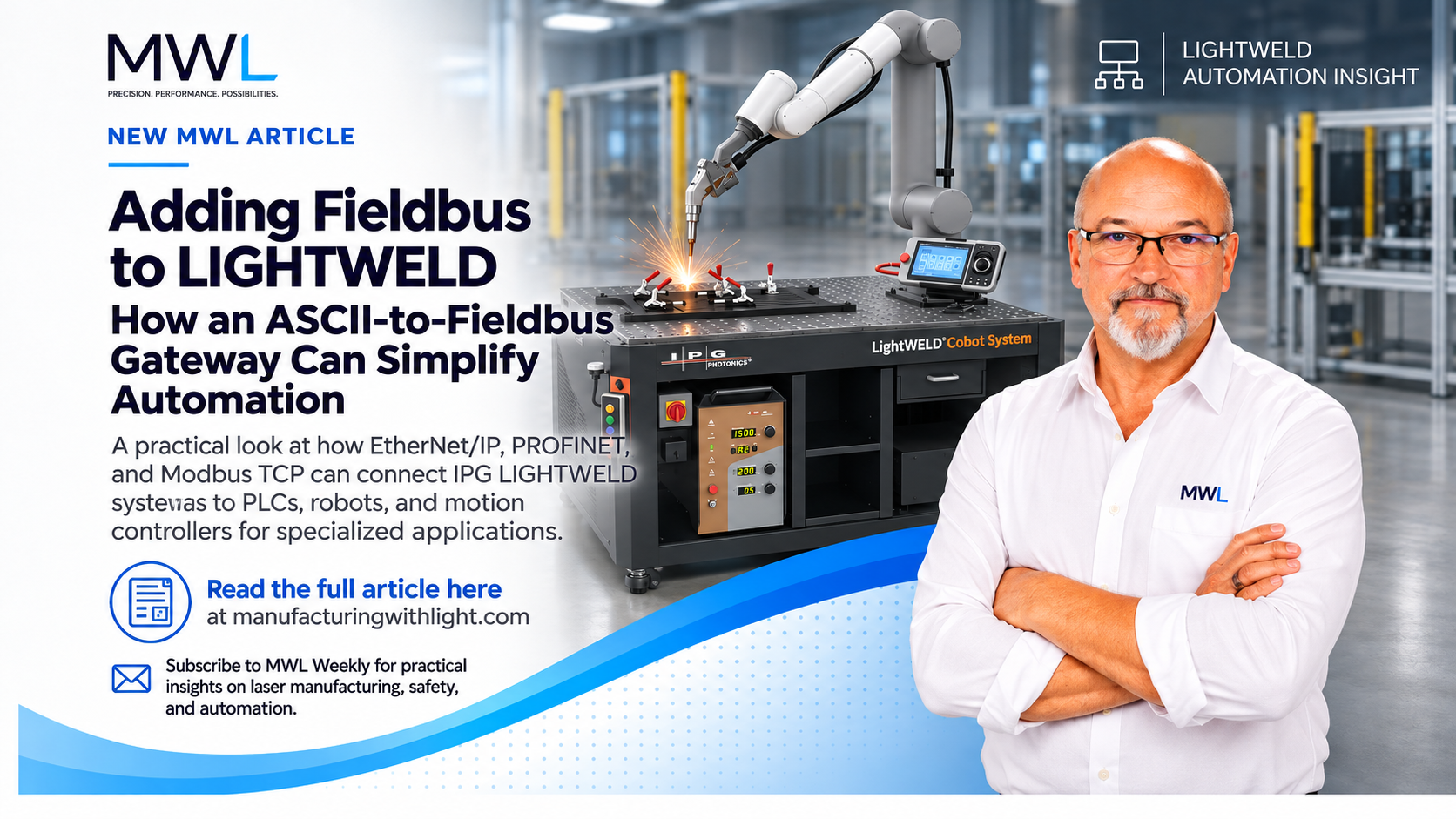
Connecting a laser welding system to a robot or PLC should be straightforward. So why does it sometimes turn into a software development project?
By William Kane | Manufacturing With Light (MWL)
November 2, 2026
I’ve spent much of my career integrating lasers, motion controllers, PLCs, and other industrial equipment into automated manufacturing systems.
One thing I’ve learned is that getting two devices to communicate isn’t necessarily difficult.
Getting them to communicate reliably, handle errors properly, and remain maintainable for the next ten years can be a different story.
And sometimes, what looks like a simple interface turns into a surprisingly large programming project.
The Integration Problem
Suppose you’re a machine builder developing a robotic welding system using an IPG LIGHTWELD.
Your robot or PLC already supports industrial communications such as Modbus TCP, EtherNet/IP, or PROFINET.
Your LIGHTWELD has an Ethernet-based communications interface you can use for supported remote operations.
Both devices have Ethernet ports.
Sounds simple enough.
Unfortunately, having Ethernet ports doesn’t mean two devices speak the same language.
Ethernet provides the network connection. The application protocols determine how the devices exchange information.
For a LIGHTWELD configuration supporting an Ethernet ASCII command interface, a PLC programmer accustomed to reading and writing registers over Modbus TCP may suddenly find themselves writing socket communications, constructing ASCII messages, parsing responses, managing timeouts, and handling lost connections.
None of this is particularly exotic programming.
But it takes time, and there are plenty of opportunities to get something wrong.
More importantly, someone will have to maintain it.
Why Not Just Write the Communications Code?
That’s certainly one solution.
Most modern PLCs and robot controllers provide some way to communicate over TCP/IP. With the proper documentation, a programmer can develop an interface to a LIGHTWELD that supports the required communications functions.
But there is more involved than sending a command and receiving a response.
For a reliable production interface, we should consider:
- Establishing and monitoring the TCP connection.
- Constructing properly formatted commands.
- Receiving and parsing responses.
- Handling communication timeouts and errors.
- Preventing overlapping or duplicate commands.
- Recovering from interrupted connections.
- Reporting meaningful diagnostics to the machine controller.
And then there’s the question that sometimes gets overlooked:
What happens when the machine stops working three years later and the person troubleshooting it didn’t write the original interface?
We’ve all seen programs that worked perfectly well when they left the machine builder.
That doesn’t necessarily mean they were easy to maintain.
I’ve certainly written my share of code that worked, even though I knew I should have cleaned up a few things before delivering the machine.
Unfortunately, once the machine works, another deadline usually waits.
That’s how a relatively simple communications interface can become another piece of industrial software that nobody really wants to touch.
The Industry Is Already Solving This Problem
One interesting example is Serra Laser’s LightBOT system, which integrates IPG LIGHTWELD with FANUC CRX collaborative robots.
Rather than requiring operators to manage the robot and laser separately, LightBOT provides access to LIGHTWELD presets, welding parameters, and wire-feeding functions through the FANUC controller. [1]
Serra has developed a dedicated integration layer between the two systems.
THG Automation has taken a similar approach with Universal Robots, offering robotic laser welding systems built around IPG LIGHTWELD technology with integrated robot programming and coordinated motion. [2]
These examples matter because they show that communications and process integration are important enough for companies to develop dedicated solutions.
But what happens when the machine builder isn’t using one of these particular robot packages?
What if they’re using a Siemens or Allen-Bradley PLC?
Or a specialized motion controller?
Or they already have an automated machine and simply want to integrate LIGHTWELD into their existing process?
That’s where the problem becomes interesting.
Maybe We Need a Translator
Instead of developing a custom communications interface for every machine, consider using a small industrial gateway between the machine controller and LIGHTWELD.
The robot or PLC would communicate using a familiar industrial protocol.
The gateway would handle the LIGHTWELD communications.
For example, a Modbus TCP interface could provide a defined set of registers for supported commands, process settings, status information, and errors.
The machine programmer wouldn’t have to manage ASCII message formatting or socket communications.
Importantly, the interface could behave consistently regardless of which supported PLC or robot controller was used.
Of course, the gateway would have to be properly designed.
It would need reliable command handling, useful diagnostics, documented behavior, configuration management, and predictable recovery from communication failures.
A gateway doesn’t eliminate the engineering work. It moves the protocol-specific software into a reusable, maintainable component.
It also wouldn’t replace the machine’s required safety system. Protective interlocks, emergency stops, laser safety functions, and other safety-related controls must be properly engineered and validated independently of ordinary gateway communications.
Is Another Piece of Hardware Really Necessary?
That’s a fair question.
If you’re building one machine and already have a tested communications driver for your controller, adding a gateway may offer little benefit.
But suppose you’re a small OEM building machines with different PLCs or motion controllers.
Or you’re an integrator who occasionally needs to connect LIGHTWELD to customer equipment.
How much engineering time do you want to spend developing and maintaining communications software that isn’t really part of your machine’s competitive advantage?
There’s also the question of support.
If something goes wrong, would you rather troubleshoot a standardized interface with documented status codes or start examining socket communications and ASCII message strings?
And consider what happens when the PLC or robot controller is replaced several years later.
With a properly designed gateway, much of the LIGHTWELD-specific communications logic could remain unchanged.
Sometimes adding a small, purpose-built component can actually make the overall system simpler.
An Opportunity Worth Exploring
At Manufacturing With Light, we’re interested in the engineering that surrounds laser technology—not just the laser itself.
As LIGHTWELD moves into more automated manufacturing applications, I think there’s an opportunity to make integration simpler and more accessible for machine builders and system integrators.
One approach we’re exploring is a standardized industrial communications gateway, beginning with Modbus TCP connectivity to LIGHTWELD.
The initial objective is straightforward: provide a reliable, well-documented interface that lets machine builders focus on their applications rather than developing and maintaining custom communications software.
For smaller OEMs and integrators, that could reduce engineering effort, simplify troubleshooting, and make LIGHTWELD easier to incorporate into existing automation systems.
Of course, whether customers actually need this product will depend on their experience and requirements.
And that’s where I’d like to hear from readers.
From the Shop Floor — We’d Like Your Input
Have you integrated an IPG LIGHTWELD with a PLC, robot, or motion controller?
Did you develop your own communications interface, use an existing integration package, or find another solution?
I’d be particularly interested in hearing:
- Which PLC, robot, or motion controller you’re using.
- Which industrial communications protocols you prefer.
- What problems you’ve encountered during integration.
- Whether a standardized interface would save meaningful engineering time.
You can leave a comment or contact Manufacturing With Light directly.
Sometimes the best product ideas start with something that really shouldn’t be as complicated as it is.
References and Further Reading
[1] Serra Laser — LightBOT: FANUC CRX and IPG LIGHTWELD Integration
https://serralaserstore.com/pages/lightbot
Serra describes its integrated robotic welding system, including control of LIGHTWELD presets, power, wobble parameters, and wire feeding through the FANUC controller.
[2] THG Automation — Collaborative Robotic Laser Welding
https://thgautomation.com/systems/robotic-laser-welding/
THG describes its IPG LIGHTWELD-based robotic welding systems, including coordinated motion and integration for manufacturing applications.
[3] IPG Photonics — Robotic Automation
https://www.ipgphotonics.com/products/robotic-automation
IPG’s overview of robotic automation products and integration approaches.
[4] IPG LIGHTWELD — Technical Support and Documentation
https://www.lightweld.com/lightweld-support/
Official support and documentation resources. Verify specific remote communication capabilities for the applicable LIGHTWELD model, firmware, and interface configuration.
Manufacturing With Light (MWL)
Practical perspectives on laser manufacturing, automation, motion control, and the engineering needed to make manufacturing equipment work reliably.
www.manufacturingwithlight.com
Technical note: The gateway discussed in this article is an MWL development concept, not a released product. Verify supported commands, readback functions, compatibility, and safety-related interfaces against the applicable manufacturer’s technical documentation.
#ManufacturingWithLight #IPGLIGHTWELD #LaserWelding #IndustrialAutomation #Robotics #PLCProgramming #ModbusTCP #MachineBuilding